0
configured products are currently on your request list
Plug name
Step 1 Manufacturer
- Amphenol
- Hirschmann
- TE Connectivity
- Tube cable lug
- Ring cable lug
Step 2 Product
Please select
Step 3 AGRO-Screw fittings
Please select
Length casing to drill hole centre
(dimension A in mm)
(dimension A in mm)
Step 4 Number of poles
Please select
Step 5 Alignment
Please select
Step 6 Coding
Please select
Step 7 Addition
Please select
Step 8 Interlock
Please select
1
HIGH-VOLTAGE CONFIGURATOR
individual high-voltage plug connections
individual high-voltage plug connections
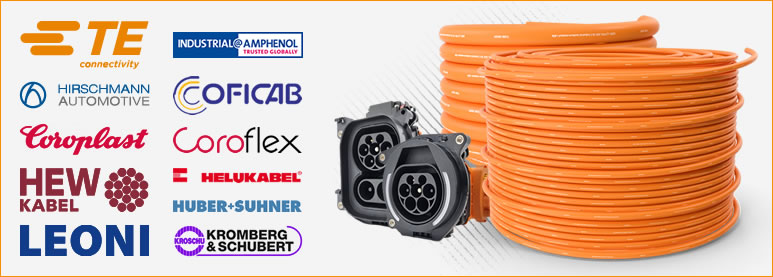
Our configurator allows you to create individual high-voltage plug connections.
Choose from a variety of manufacturers of connectors and high-voltage cables and customise your configuration by selecting a desired cable length, cable protection or label. Determine the required quantity for your individual high-voltage plug connection and benefit from maximum flexibility and fitting accuracy.
Step 9 Confirm selection Step 9 Selection confirmed
Close
eeeee
0
configured products are currently on your request list
Cable
Step 1 Manufacturer
- Coroplast
- Huber+Suhner
- LEONI/Silitherm
- Kromberg & Schubert
- HEW
- Helukabel
- Coficab
Step 2 Select cable
Please select
Step 3 Cable length (min. 400 mm)
Cable length between plugs
mm
Step 4 Confirm selection
Step 4 Selection confirmed
Select cable
Cable configuration
Here you select the desired cable. After confirming the selection, you can add another plug (optional).
How it works:
Please make your selection one after the other. In step 1 you first select the manufacturer, in step 2 the product, in step 3 please enter the cable length in cm in the input field. Then confirm your selection with step 4.
Is your desired configuration not available?
Please contact us, we will be happy to solve your requirements.
Here you select the desired cable. After confirming the selection, you can add another plug (optional).
How it works:
Please make your selection one after the other. In step 1 you first select the manufacturer, in step 2 the product, in step 3 please enter the cable length in cm in the input field. Then confirm your selection with step 4.
Is your desired configuration not available?
Please contact us, we will be happy to solve your requirements.
Close
0
configured products are currently on your request list
Plug name
Step 1 Manufacturer
Please select
- Amphenol
- Hirschmann
- TE Connectivity
- Tube cable lug
- Ring cable lug
Step 2 Product
Please select
Step 3 AGRO-Screw fittings
Please select
Length casing to drill hole centre
(dimension A in mm)
(dimension A in mm)
Step 4 Number of poles
Please select
Step 5 Alignment
Please select
Step 6 Coding
Please select
Step 7 Addition
Please select
Step 8 Interlock
Please select
1
Note: you can add an additional plug to your plug-cable configuration or complete the configuration
Option 1: Add an end plug to the configuration
If you would like to add an end plug to your connector configuration (currently as a "pigtail" variant), please select "Add end connector" for a "connector-cable-connector" configuration.
After selecting the end plug, you can proceed with the following selection options:
➞ select cable protection (optional)
➞ add label (optional)
➞ specify required quantity
After selecting the end plug, you can proceed with the following selection options:
➞ select cable protection (optional)
➞ add label (optional)
➞ specify required quantity
Add end plug
Option 2: Plug protection, label, add quantity
If you do not wish to add another end connector to your existing connector configuration (currently as "pigtail" variant), please select "Continue without end plug".
You can now proceed with the following options:
➞ select cable protection (optional)
➞ add label (optional)
➞ specify required quantity
You can now proceed with the following options:
➞ select cable protection (optional)
➞ add label (optional)
➞ specify required quantity
Please enter number of pieces
Continue without end plug
Plug configuration
After confirming the selection, you can configure the cable.
How it works:
Please make your selection one after the other. In step 1 you first select the manufacturer, in step 2 the product, in step 3 the plug version and in step 4 the coding (if available). Then confirm your selection with step 5.
Is your desired configuration not available?
Please contact us, we will be happy to solve your requirements.
Here you can select the desired plug.
After confirming the selection, you can configure the cable.
How it works:
Please make your selection one after the other. In step 1 you first select the manufacturer, in step 2 the product, in step 3 the plug version and in step 4 the coding (if available). Then confirm your selection with step 5.
Is your desired configuration not available?
Please contact us, we will be happy to solve your requirements.
Step 9 Confirm selection Step 9 Selection confirmed
Close
0
configured products are currently on your request list
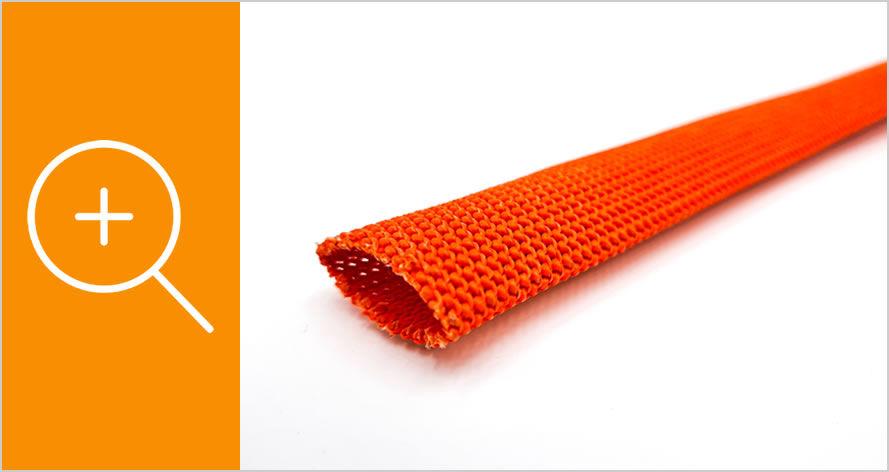
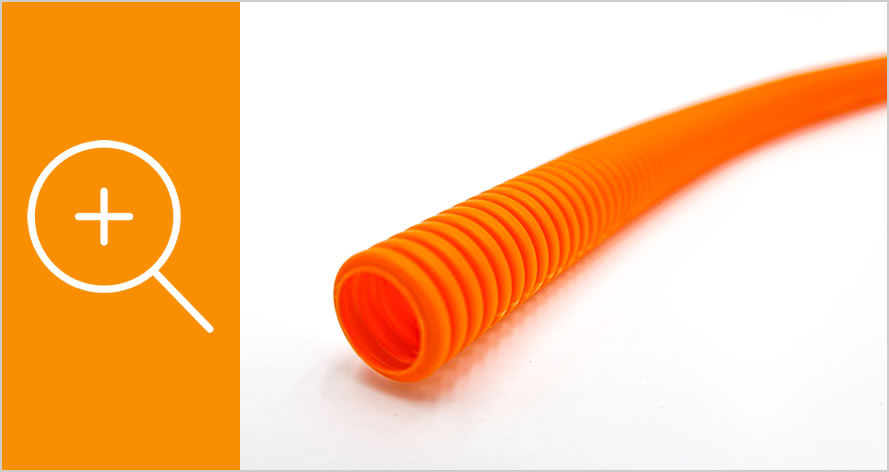
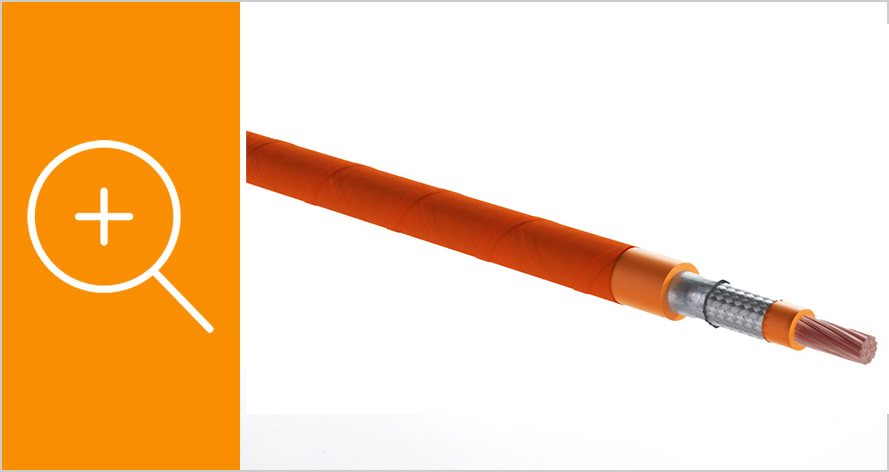
Note: The cable protection is not supplied separately, but the cable is
directly provided with the desired cable protection during cable assembly.
Step 2 Label
You have the option of individually marking the cable with a label.
The following options are available:
➞ maximum 45 characters per line
➞ number of lines 1 to 6 freely selectable
➞ maximum 45 characters per line
➞ number of lines 1 to 6 freely selectable
Line 1
Line 2
Line 3
Line 4
Line 5
Line 6
In the next step, you will get an overview of all configured products,
which you can then request free of charge and without obligation using
the following online form.
Step 3 Quantity required
Please enter number of pieces
Complete configuration